
Introduction
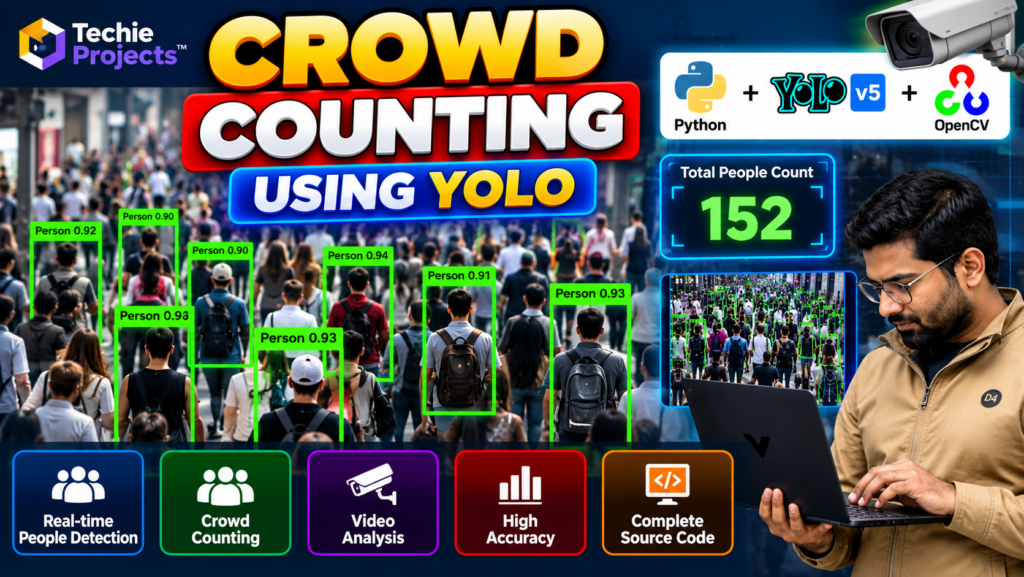
Crowd counting using YOLO is a computer vision project that uses object detection to identify people in images or video frames and estimate the number of people present. Developed using Python and YOLO (You Only Look Once), this project demonstrates how deep learning can support automated people detection and crowd analysis.
This project is suitable for B.Tech, B.E., BCA, MCA, and final-year computer science students who want practical experience with Python, deep learning, image processing, and object detection.
If you are looking for a crowd counting project using Python with source code, Techie Projects can help you enquire about project availability, implementation details, documentation, and pricing.
🎬 Project Demo: Crowd Counting Using YOLO
Explore the project demonstration to understand how YOLO detects people in a crowd and displays the detection results. The demo can help you see the model output, bounding boxes, and counting workflow supported by the implementation.
🎯 Objectives of the Project
The main objectives of crowd counting using YOLO are:
- Detect people in images or video frames.
- Estimate the number of detected people in a scene.
- Understand how YOLO object detection works.
- Learn how Python integrates with computer vision libraries.
- Display detection results using bounding boxes and labels.
- Explore the performance and limitations of automated crowd analysis.
🚀 Key Features of Crowd Counting Using YOLO
1. Person Detection
The YOLO model identifies people in supported images or video frames and returns detection locations with confidence scores.
2. Automated Crowd Counting
The application can estimate crowd size by counting detected people. The result depends on detection quality and the implementation.
3. Video Processing
Depending on the project configuration, the application can analyze recorded videos or process video frames.
4. Bounding Box Visualization
Detected people can be highlighted with bounding boxes and labels, making the output easier to understand.
5. Python-Based Implementation
Python provides the environment for loading the model, processing frames, and presenting detection results.
6. Detection Result Display
The application can display the estimated count and visual output through a window or interface, depending on the implementation.
⚙️ How Does Crowd Counting Using YOLO Work?
Step 1: Input Image or Video
The application receives an image or video source for analysis.
Step 2: Frame Processing
For video input, the application reads frames and prepares them for the object detection model.
Step 3: YOLO Object Detection
The trained YOLO model analyzes each frame and identifies objects belonging to its supported classes, including people when the model is configured to detect them.
Step 4: Filter Person Detections
The application selects person detections based on the configured class and confidence threshold.
Step 5: Count Detected People
The number of accepted person detections is calculated for the current image or frame.
Step 6: Display Results
The application shows the detection boxes and estimated crowd count.
Note: This method counts detected people in a frame. It does not necessarily count unique individuals across an entire video because the same person may appear in multiple frames.
🛠️ Technologies Used
The exact technology stack depends on the supplied implementation. Common technologies include:
- Python: Main programming language.
- YOLO: Object detection model.
- OpenCV: Image and video processing.
- NumPy: Numerical operations.
- PyTorch or another supported framework: Model execution, depending on the YOLO version.
- Visual Studio Code or PyCharm: Development environment.
Confirm the actual YOLO version, framework, and dependencies before installing or running the project.
💻 Software Requirements
Typical software requirements include:
- Python version compatible with the project dependencies
- OpenCV
- NumPy
- Required YOLO model files and libraries
- Supporting machine learning framework
- Visual Studio Code, PyCharm, or another Python IDE
The exact package versions should follow the project’s installation instructions.
🖥️ Hardware Requirements
A standard computer may be sufficient for basic testing.
- Processor: Modern dual-core processor or better
- RAM: 4 GB minimum; 8 GB or more recommended
- Storage: Enough space for source code, model weights, and video files
- GPU: Optional for some implementations, but useful for faster processing
Actual performance depends on the YOLO model size, video resolution, hardware, and processing settings.
🌍 Applications of Crowd Counting
Public Space Analysis
Crowd counting can help estimate the number of people visible in public-space footage.
Event Management Research
The project can demonstrate how computer vision may assist with crowd-size estimation at events.
Retail Analytics
People detection can be explored for estimating occupancy in retail environments, subject to privacy requirements.
Transportation Areas
Computer vision systems can be studied for people detection in stations and other transportation facilities.
Academic Research
Students can use the project to investigate object detection, confidence thresholds, video processing, and model evaluation.
These are potential applications, not guarantees that the project is suitable for operational deployment.
✅ Advantages of the Project
- Provides practical experience with Python and computer vision.
- Demonstrates real-time or recorded-video object detection, depending on the implementation.
- Introduces deep learning and YOLO-based detection.
- Provides visual outputs that are useful for project demonstrations.
- Can be extended with additional evaluation and visualization features.
- Offers a practical topic for final-year project presentations.
⚠️ Limitations of Crowd Counting Using YOLO
- People may be missed when they are heavily occluded.
- Detection accuracy can decrease in dense crowds.
- Lighting, camera angle, resolution, and motion blur can affect results.
- Processing speed depends on hardware and model size.
- Counting detections per frame does not automatically provide unique-person counts.
- Performance should be evaluated before using the system in real-world settings.
🔮 Future Scope
Crowd counting using YOLO can be extended in several ways, depending on the project requirements:
- Live Camera Input: Add support for compatible live camera feeds.
- Counting Statistics: Store frame-level counts and generate summaries.
- Region-Based Counting: Count detections within a defined region of interest.
- Performance Optimization: Explore smaller models or suitable hardware acceleration.
- Dashboard Integration: Present results through a dashboard.
- Model Evaluation: Test performance on representative videos and report precision, recall, and counting error where appropriate.
These improvements may require additional development beyond the basic implementation.
🎓 Why Choose This Project for Your Final Year?
The crowd counting using YOLO project combines object detection, Python programming, video processing, and deep learning in a practical computer vision application.
It is suitable for students interested in:
- Artificial intelligence and deep learning
- Python programming
- Computer vision and image processing
- Object detection using YOLO
- Video analytics and model evaluation
Students can use the project to understand the workflow, explain the model, demonstrate the output, and investigate its limitations.
🛒 Purchase the Crowd Counting Project
Looking for a crowd counting using YOLO project with Python source code for your B.Tech, B.E., BCA, MCA, or final-year engineering submission?
Techie Projects helps students explore engineering projects and enquire about available implementations.
📲 Call/WhatsApp: +91-9460060699
🌎 Website: www.techieprojects.com
📺 Instagram: @pythonprojects_
Before purchasing, ask us to confirm whether the selected package includes:
- Python source code
- Required YOLO model files
- Installation and execution instructions
- Sample input images or videos
- Project report and documentation, if available
- Demonstration interface, if included
- Customization options and support, if available
The actual deliverables, features, price, and support options should be confirmed before placing an order.
📲 Enquire About the Project on WhatsApp
Share your course, submission deadline, and required features to discuss project availability and pricing.
👉 Get Crowd Counting Project Details on WhatsApp
🌐 Visit Techie Projects to explore more engineering projects.
📸 Follow Techie Projects on Instagram for project demonstrations and updates.
🎓 Recommended Projects
Explore these related projects and link each title to its relevant published page:
- Vehicle Detection and Counting Using YOLO — detect vehicles and count detections in video frames.
- Safety Helmet Detection Using YOLOv5 — detect helmet-related objects in construction-site footage.
- Parking Slot Detection Using OpenCV — analyze parking spaces using computer vision.
- Smart Traffic Management System Using AI — explore traffic analysis and vehicle detection.
- Object Detection Using Python — learn about object detection workflows and visual outputs.
❓ Frequently Asked Questions
1. What is crowd counting using YOLO?
It is a computer vision approach that uses a YOLO object detection model to detect people and estimate the number of people visible in an image or video frame.
2. Which programming language is used?
Python is commonly used with YOLO and supporting image or video processing libraries.
3. Can this project process videos?
Video processing is possible when supported by the selected implementation and hardware.
4. Is a GPU required?
Not always. Some implementations can run on a CPU, although processing may be slower depending on the model and video resolution.
5. Is the project suitable for final-year students?
It can be suitable for students studying computer science, information technology, AI, or related fields, subject to institutional requirements.
6. Can I purchase the source code?
Contact Techie Projects to confirm current availability, package contents, documentation, and pricing.
Conclusion
Crowd counting using YOLO is an educational computer vision project that demonstrates person detection and crowd-size estimation using Python and deep learning. It provides opportunities to explore video processing, object detection, visualization, and model evaluation.
If you need this project for your academic submission, contact Techie Projects to discuss the available implementation, source code, documentation, and pricing.