
Introduction
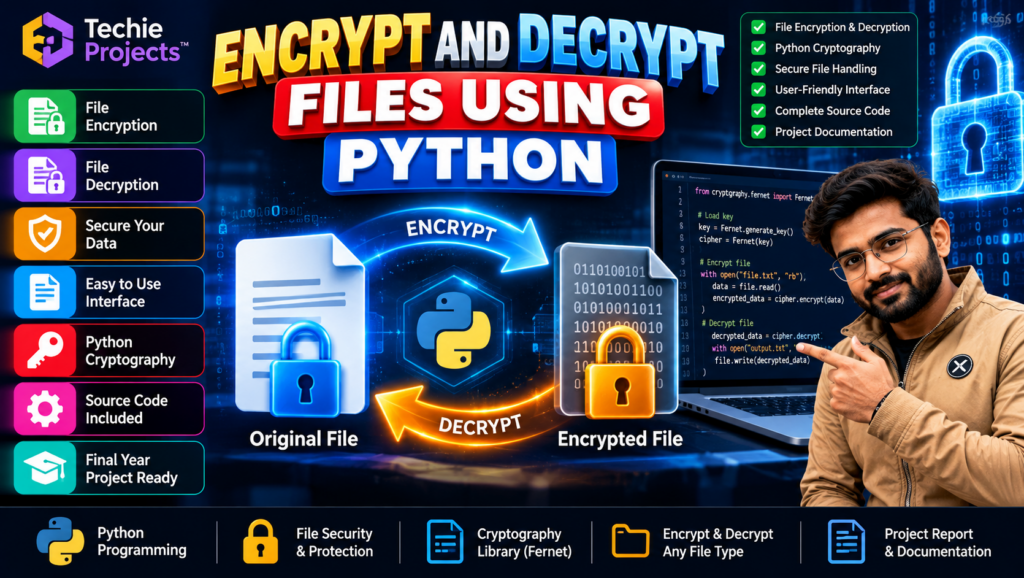
Encrypt and decrypt files using Python is a practical project that demonstrates how cryptography can be used to protect digital files and restore them to their original form for authorized access. This project combines Python programming, file handling, encryption techniques, and a graphical user interface, depending on the supplied implementation.
If you are a B.Tech, B.E., BCA, MCA, Computer Science, or Information Technology student searching for a Python mini project or final-year project, this project offers an opportunity to explore file security and cryptography concepts.
Techie Projects provides project options for students interested in practical software development. Contact us to confirm the available features, source code, documentation, setup requirements, and price.
🎬 Project Demo: Encrypt and Decrypt Files Using Python
Watch the project demonstration to understand how the application selects a file, performs encryption, and decrypts the protected file when the correct key is available.
The demo can help you review the interface and workflow before purchasing. Check the demonstrated version to confirm its actual functionality and supported file types.
🔐 About the File Encryption and Decryption Project
File encryption transforms readable data into an encrypted form that cannot normally be understood without the appropriate decryption key. Decryption reverses the process for authorized users who possess the correct key.
The Encrypt and Decrypt Files Using Python project demonstrates these concepts through a Python application. It can help students understand how file operations and cryptographic libraries work together.
Key Features
- File encryption: Convert supported files into encrypted data.
- File decryption: Restore encrypted data when the correct key and process are available.
- File selection: Select files through the implemented interface.
- Graphical user interface: Use a desktop interface if included in the supplied version.
- Python file handling: Read and write files using Python.
- Cryptography library integration: Apply the encryption method implemented in the project.
- Educational source code: Study the implementation if source code is included in the purchased package.
The exact encryption algorithm, supported file formats, key management method, and interface depend on the current implementation. Confirm these details before purchasing.
🎯 Objectives of Encrypt and Decrypt Files Using Python
The main objectives of this project are:
- To understand basic file encryption and decryption concepts.
- To implement file operations using Python.
- To explore the use of a cryptographic library.
- To learn how encrypted data differs from readable data.
- To understand the importance of encryption keys.
- To develop a practical application related to file security.
⚙️ How Does the Project Work?
A typical file encryption and decryption application follows these steps.
Step 1: Select a File
The user chooses a file through the application interface or specifies its path.
Step 2: Read the File
Python reads the file in the appropriate mode, commonly binary mode for general file encryption.
Step 3: Encrypt the Data
The application uses its configured cryptographic method and key to transform the file data into encrypted output.
Step 4: Save the Encrypted File
The encrypted content is saved to the configured destination. A well-designed implementation should avoid accidentally overwriting the original file.
Step 5: Select the Encrypted File
When decryption is required, the user selects the encrypted file and provides or accesses the appropriate key through the implemented process.
Step 6: Decrypt the Data
The application decrypts the data using the compatible algorithm and correct key.
Step 7: Save the Restored File
The resulting file is saved to the chosen destination. The output should be checked to confirm that it matches the original data.
🧰 Technologies Used
Python
Python is the main programming language used for file handling, application logic, and integration with the cryptographic library.
Cryptography Library
Python’s cryptography library provides cryptographic tools. The specific algorithm and implementation should be confirmed from the supplied source code.
Tkinter
Tkinter may be used to create a desktop interface with file-selection controls and encryption or decryption buttons, if included in the current version.
File Handling
Python file operations allow the program to read input files and save encrypted or decrypted output.
💻 Software and Hardware Requirements
Software Requirements
- Operating System: Windows or another compatible operating system
- Programming Language: Python
- Required cryptography library
- Tkinter, if used for the graphical interface
- Code editor such as VS Code or PyCharm
Hardware Requirements
- Laptop or desktop computer
- Compatible processor
- Sufficient RAM and storage for Python and project files
Confirm the exact Python version and library dependencies before installation.
🌟 Advantages of the Project
- Provides practical experience with Python programming.
- Introduces file encryption and decryption concepts.
- Demonstrates file handling and cryptographic library integration.
- Helps students understand encryption key requirements.
- Can be extended with additional file-security features.
- Offers a practical topic for learning about data protection.
🔒 Applications of File Encryption
File encryption is used in many digital security contexts, including:
- Protecting sensitive documents
- Securing backup files
- Safeguarding confidential business information
- Protecting data before transferring it between systems
- Learning cryptography and secure programming
- Building file-security prototypes for academic projects
A student project should not automatically be considered production-ready security software. Real deployments require appropriate key management, access controls, secure storage, error handling, and testing.
⚠️ Important Security Considerations
When working with encrypted files, remember:
- Keep encryption keys secure and separate from encrypted data where appropriate.
- Losing the required key may make encrypted files unrecoverable.
- Do not assume that changing a file extension encrypts its contents.
- Avoid overwriting original files until the decrypted output has been verified.
- Use established cryptographic libraries instead of designing your own encryption algorithm.
- Verify that the selected implementation uses a suitable authenticated encryption method for its intended purpose.
These practices are important for understanding the limitations and responsibilities associated with file security.
🚀 Future Scope
Students can explore possible enhancements such as:
- Adding a password-based key derivation process.
- Improving key storage and recovery procedures.
- Adding progress indicators for large files.
- Creating an encryption history or activity log.
- Improving error messages and file validation.
- Developing a web or mobile interface.
- Adding automated tests for encryption and decryption.
- Improving the interface and user experience.
These are possible extensions and are not guaranteed features of the current project.
Features of Encrypt and Decrypt Files Using Python
Encrypt and decrypt files using Python is a practical way to understand file protection and cryptography. This project demonstrates how Python can process files, apply an encryption method, and restore encrypted data using the correct decryption key. The available features depend on the supplied implementation.
Applications of Encrypt and Decrypt Files Using Python
Encrypt and decrypt files using Python can be explored in academic demonstrations of data protection, secure file handling, and cryptography. Students can use this project to understand encryption workflows and investigate how secure file-management applications are designed.
🎓 Why Choose This Python Project for Your Final Year?
The Encrypt and Decrypt Files Using Python project may be suitable for students interested in Python programming, cryptography, and cybersecurity fundamentals.
It provides an opportunity to explore:
- File handling and data processing
- Encryption and decryption workflows
- Cryptographic library usage
- Graphical interface development
- Error handling and testing
- Basic secure programming practices
Before selecting the project, make sure its scope matches your institution’s requirements.
📦 What Should You Confirm Before Purchasing?
Contact Techie Projects to confirm whether the available package includes:
- Complete Python source code
- Required libraries and installation instructions
- Project documentation or report
- Instructions for running the application
- Supported file formats
- The actual encryption algorithm and key management method
- Available setup or technical support
Confirm the deliverables and price before placing an order.
📲 Purchase Encrypt and Decrypt Files Using Python from Techie Projects
Looking for an Encrypt and Decrypt Files Using Python project for your college assignment or final-year submission? Contact Techie Projects to enquire about availability, pricing, source code, and documentation.
We can help you check the current implementation and determine whether it meets your learning and academic requirements.
Get Project Price and Details on WhatsApp
📲 Call/WhatsApp: +91-9460060699
🌎 Website: www.techieprojects.com
📺 Instagram: @pythonprojects_
Contact us to confirm the current price, source code availability, documentation, encryption method, and setup requirements before purchasing.
🔗 Explore Related Python and Cybersecurity Projects
Interested in exploring more Python and cybersecurity projects? Consider these related topics:
- VPN Server Using Python
- Vulnerability Scanning in Cyber Security Using Python
- Intrusion Detection System Using Machine Learning
- Malware Detection Using Machine Learning
- Attendance System Using Face Recognition in Python
Explore Techie Projects for available project topics. Link each project name to its specific article URL when available.
❓ Frequently Asked Questions
1. What is file encryption and decryption using Python?
It is a programming application that uses a cryptographic method to transform readable file data into encrypted data and restore it when the correct decryption key is available.
2. Which programming language is used in this project?
Python is the main programming language. The cryptographic library and interface framework depend on the supplied implementation.
3. Can the project encrypt different file types?
That depends on the implementation. Applications that correctly process files as binary data can often support different formats, but confirm the supported file types before purchasing.
4. Can an encrypted file be recovered without the key?
For a properly implemented modern encryption scheme, recovering the original data without the required key is generally designed to be computationally infeasible. Losing the key can therefore result in permanent data loss.
5. Is this project suitable for final-year students?
It may be suitable for Computer Science, Information Technology, and cybersecurity-related students, subject to their academic requirements.
6. Is the source code included?
Contact Techie Projects to confirm whether the current package includes source code, documentation, setup instructions, and other deliverables.
7. How can I purchase the project?
You can contact Techie Projects on WhatsApp to enquire about pricing and availability.
📝 Conclusion
Encrypt and decrypt files using Python is a useful academic topic for learning about file handling, cryptography, and data protection. It demonstrates how a Python application can work with a cryptographic library to protect and restore file data.
If you want to purchase this project for learning or academic purposes, contact Techie Projects to confirm the available implementation, included deliverables, and price.
👉 Contact Techie Projects on WhatsApp to get started.