
Introduction
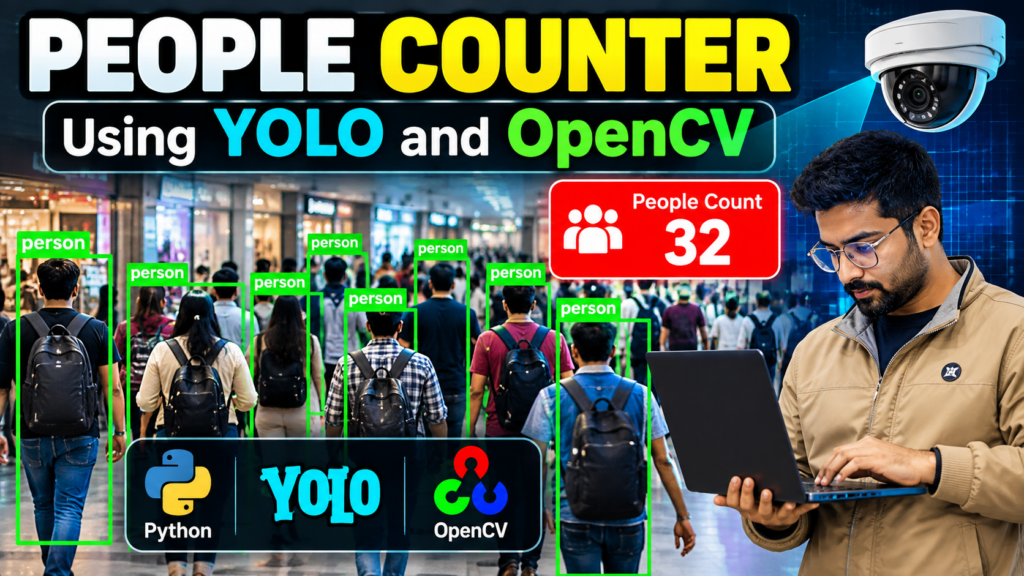
A people counter using YOLO and OpenCV is a computer vision project that detects and counts people from images or video in real time. The system uses the YOLO object detection model to identify people and OpenCV to process video frames and display the counting results.
Real-time people counting can be useful for monitoring crowds, analyzing foot traffic, managing public spaces, and understanding the number of people entering or leaving a particular area.
This Python project is suitable for B.Tech, BCA, MCA, Computer Science, Artificial Intelligence, Machine Learning, and Computer Vision students who want to build a practical real-time object detection project.
Note: This project is intended for educational and research purposes. Accuracy depends on the camera quality, lighting conditions, camera angle, model version, and environment.
What Is a People Counter?
A people counter is a computer vision system that automatically detects people in an image or video and calculates the number of people present. This people counter using YOLO and OpenCV can process live camera footage and detect multiple people in real time.
Instead of manually counting individuals, the system processes video frames and uses an object detection model to identify people.
A typical people counting system performs the following steps:
- Capture video from a camera or video file.
- Process each video frame using OpenCV.
- Detect objects using YOLO.
- Identify objects belonging to the person class.
- Draw bounding boxes around detected people.
- Count the detected persons.
- Display the total count on the video.
People Counter Using YOLO and OpenCV
The main objective of this project is to develop a real-time people counter using YOLO and OpenCV.
YOLO, which stands for You Only Look Once, is a popular object detection approach that can detect multiple objects within a video frame.
OpenCV is used for image and video processing. Together, YOLO and OpenCV can be used to develop a real-time people detection and counting application.
How the System Works
The basic workflow is:
Camera/Video → OpenCV → YOLO Detection → Person Filtering → Counting → Display Result
The system reads a video frame and passes it to the YOLO model. YOLO detects objects and returns their class information and bounding boxes.
The application then checks the detected classes and counts objects classified as people.
Key Features
The major features of this project include:
- Real-time person detection
- People counting from video
- YOLO-based object detection
- OpenCV video processing
- Bounding boxes around detected people
- Live count display
- Support for webcam or video files
- Multiple-person detection
- Computer vision-based monitoring
- Easy-to-understand project workflow
Technologies Used
Python
Python is used as the main programming language because it provides a large ecosystem of computer vision and machine learning libraries.
YOLO
YOLO is used to detect people and other objects in video frames.
OpenCV
OpenCV is used to capture, process, display, and manipulate video frames.
NumPy
NumPy can be used for numerical operations and processing image or video data.
Software Requirements
The following software can be used to develop the project:
- Python 3.x
- OpenCV
- YOLO
- NumPy
- VS Code, PyCharm, or another Python IDE
- Windows, Linux, or macOS
Hardware Requirements
A basic system can run this project.
Recommended hardware:
- Intel Core i3/i5 or equivalent processor
- 4 GB or more RAM
- Webcam or video input
- 500 GB or more storage
- Dedicated GPU optional
A GPU can improve processing speed for real-time object detection, especially when processing high-resolution video.
Working of the People Counting System
The project can be divided into several stages.
1. Video Input
The system receives video input from a webcam, CCTV camera, or stored video file.
2. Frame Processing
OpenCV captures the video frame by frame.
Each frame is passed to the object detection model for analysis.
3. Object Detection
YOLO analyzes the frame and identifies objects.
The model provides information such as:
- Object class
- Bounding box
- Confidence score
4. Person Detection
The application checks whether a detected object belongs to the person class.
Only detected people are considered for the people count.
5. Counting
The number of detected people is calculated for each frame.
For example:
People Count: 8
The count is displayed on the video output.
6. Display
Bounding boxes are drawn around detected people, allowing users to visually verify the detection results.
Example Workflow
Suppose a camera captures a scene containing 10 people.
The YOLO model processes the frame and detects the individuals.
If 8 people are successfully detected, the application displays:
People Count: 8
When people enter or leave the camera’s view, the detected count changes accordingly.
People Counting vs Person Detection
People detection and people counting are related but different tasks.
Person Detection:
Identifies where people are located in an image or video.
People Counting:
Determines how many people are present or, in more advanced systems, tracks how many people enter or leave an area.
For basic projects, counting detected person bounding boxes can be sufficient.
For more advanced applications, object tracking can be added to avoid repeatedly counting the same person across video frames.
Advantages
A YOLO and OpenCV based people counter provides several advantages:
- Automated people counting
- Real-time processing
- Reduced manual effort
- Multiple-person detection
- Easy integration with cameras
- Useful for computer vision learning
- Can be extended with tracking
- Suitable for academic projects
Applications
People counting technology can be used in many areas.
Retail Stores
Stores can estimate customer traffic and analyze busy periods.
Shopping Malls
The system can help monitor crowd levels.
Public Events
Event organizers can use automated counting for crowd monitoring.
Educational Institutions
The system can be used for monitoring the number of people in specific areas.
Offices
People counting can support occupancy analysis.
Transportation Areas
It can be used in stations, terminals, and other high-traffic locations.
Smart Surveillance
People detection and counting can be combined with other computer vision technologies for intelligent monitoring systems.
Limitations
Although YOLO-based people counting is useful, it has some limitations:
- Detection accuracy depends on image quality.
- Crowded scenes can cause missed detections.
- People partially hidden behind other people may not be detected correctly.
- Poor lighting can reduce accuracy.
- Camera angle affects detection performance.
- Processing high-resolution video requires more computing resources.
- Basic frame-by-frame counting does not necessarily track individual people.
How to Improve the Project
The basic project can be extended with additional computer vision features.
People Tracking
Object tracking can be added to assign an ID to each detected person.
This helps prevent the same person from being counted repeatedly.
Entry and Exit Counting
A virtual line can be created in the video.
When a tracked person crosses the line, the system can determine whether the person entered or exited the area.
Crowd Density Analysis
The application can calculate the number of people within a particular region.
Database Integration
Counting information can be stored in a database for later analysis.
Web Dashboard
A web-based dashboard can display:
- Current people count
- Entry count
- Exit count
- Historical statistics
- Camera status
Future Scope
The people counting system can be developed into a more advanced intelligent surveillance solution.
Future improvements can include:
- Real-time person tracking
- Multi-camera support
- Crowd density estimation
- Entry and exit analytics
- Cloud-based monitoring
- Alert notifications
- Web dashboards
- Mobile applications
- Heatmap generation
- Historical data analysis
Why This Is a Good Python Project
The people counter using YOLO and OpenCV project combines several important areas of computer science, including:
- Python programming
- Computer vision
- Object detection
- Image processing
- Deep learning
- Real-time video processing
It is therefore a useful project for students who want practical experience with modern computer vision technologies.
Frequently Asked Questions
What is a people counter using YOLO?
A people counter using YOLO is a computer vision application that detects people in images or video and calculates the number of detected individuals.
Can I build a people counter using Python?
Yes. Python can be used with YOLO and OpenCV to create a real-time people detection and counting application.
What is OpenCV used for in this project?
OpenCV is primarily used for capturing, processing, displaying, and manipulating video frames.
What is YOLO used for?
YOLO is used to detect objects in images and video. In this project, the system focuses on detecting people.
Can this project work with a webcam?
Yes. A webcam can be used as the live video source for the project.
Can people tracking be added?
Yes. Object tracking can be integrated with YOLO detection to track individuals and improve entry/exit counting.
Explore Related Computer Vision Projects
Keep this section short instead of the huge generic project list.
- Vehicle Detection and Counting Using Python
- Helmet Detection Using YOLO
- Number Plate Detection Using Python
- Object Detection and Recognition Using Python
- Garbage Detection Using Machine Learning
Conclusion
The people counter using YOLO and OpenCV is a practical computer vision project that demonstrates how object detection can be used for real-time people detection and counting. Overall, the people counter using YOLO and OpenCV is a practical Python computer vision project for real-time person detection and counting.
By combining Python, YOLO, and OpenCV, students can develop a useful project while learning about object detection, video processing, and computer vision.
The project can also be extended with object tracking, entry and exit counting, crowd analysis, databases, and web dashboards to create a more advanced real-world application.
Need Help With Your Final-Year Project?
☎️ Contact Us For More Queries:-
📲 Call/WhatsApp: +91-9460060699
🌎 Website: www.techieprojects.com
📺 Instagram: @pythonprojects_